
How to build a digital signage playlist that is easy to manage
A practical method for structuring sequences, scheduling content and keeping digital signage playlists clear and manageable over time.
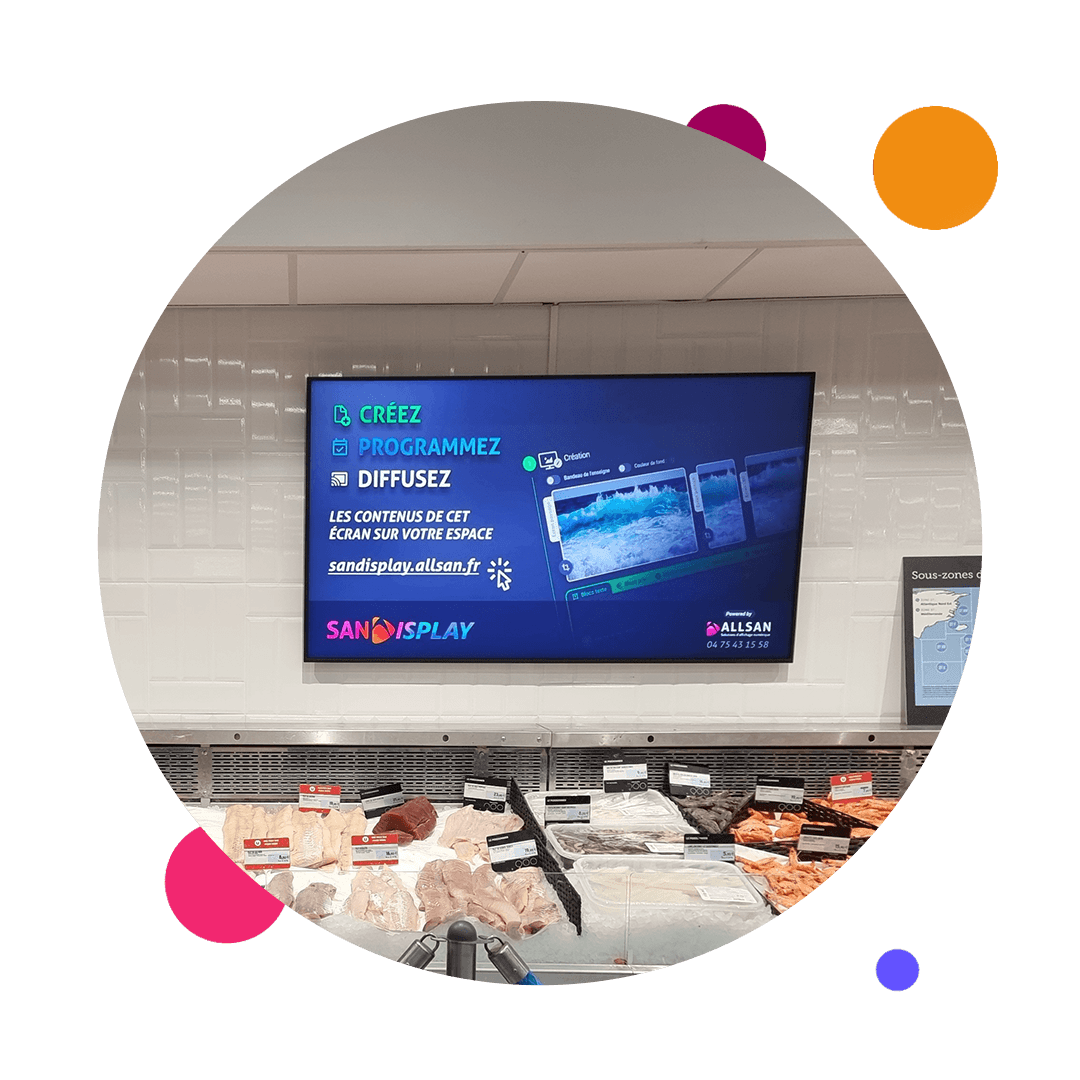
A digital signage playlist is more than a collection of videos and images placed in an arbitrary order. It must deliver the right messages in the right place and at the right time, while remaining easy to update. Without a clear method, expired campaigns stay on screen, loops become longer and teams lose sight of what is actually playing.
For a retailer, company or public-facing venue, the challenge is both editorial and operational. The following method helps teams build a readable playlist, schedule its distribution and organise day-to-day operations without turning every update into a major project.
Start with the purpose of each screen
Before building a loop, define the screen’s role. A reception screen may inform and direct visitors. An in-store screen may highlight an offer or explain a service. An employee-facing screen may carry internal news. This purpose determines the content type, duration, frequency and most relevant broadcast times.
Create a short reference sheet for each location: main audience, objective, viewing distance, likely exposure time and person responsible for the messages. The selection and placement of professional displays should remain consistent with these factors. A playlist designed for a waiting area cannot simply be transferred to a fast-moving corridor.
Build the playlist in layers
An easy-to-manage loop can be divided into several layers. This prevents teams from rebuilding the entire schedule whenever a campaign changes and makes it easier to identify what should be kept, replaced or removed.
- The permanent foundation contains long-lasting information such as venue details, services, opening hours or instructions that remain valid.
- The recurring layer covers messages connected with a season, a regular promotion or an internal event.
- The campaign layer contains communications limited to a specific period and scheduled to disappear after their end date.
- The local layer addresses the needs of an individual site, department or area when the network includes different broadcasting contexts.
Viewers do not need to see this classification. Its main purpose is to organise production and operations. A naming convention that includes the topic, location and validity period also helps operators identify files without opening them one by one.
Set the pace before adding more content
The right loop length depends on the setting. There is no universal duration: someone crossing a lobby will only see part of the sequence, while a visitor in a waiting area may watch several messages. Start from the likely exposure time and give essential information priority.
Each item must remain understandable under real viewing conditions. Dense text, competing messages or an overly long animation can reduce readability. Content creation should take account of distance, screen format and available attention, rather than judging a design solely on how it looks on a computer.
Schedule start and end dates
Scheduling is more reliable when it reflects the message lifecycle. Every campaign should have a clear start date, end date and distribution scope. Depending on the requirement, it may also be assigned to particular days, time slots or screens. This preparation reduces forgotten manual removals and outdated communication.
- Check the message, required wording and media version before publication.
- Select the relevant screens according to their audience and location.
- Define the broadcast window, including a removal date for temporary content.
- Review the balance of the loop after insertion so the new item does not displace priority messages.
- Identify who will check the broadcast and handle any necessary corrections.
Separate the editorial calendar from technical scheduling
The editorial calendar records what the organisation wants to communicate: sales campaigns, events, practical information or internal news. Technical scheduling then translates those decisions into files, dates, times and screens. Separating these levels makes collaboration easier across communications, marketing, operations and IT teams.
A shared planning document may be enough to prepare upcoming messages. For each topic, it can state the objective, audience, content owner, target locations, delivery date and broadcast period. The software then executes the agreed schedule without becoming the only place where the organisation stores its editorial rules.
Establish an operating routine
Even a well-designed playlist can deteriorate if nobody reviews it. Operations should therefore follow an agreed rhythm. A short, regular check can identify campaigns approaching their end date, duplicates, overexposed content and screens that require attention.
- In the short term: check new publications and priority campaigns.
- At regular intervals: review loop consistency and remove media that is no longer useful.
- At each change of period: prepare removals and replacements before the switchover date.
- When a screen changes purpose: review its playlist rather than automatically copying the previous one.
Mistakes that make playlists difficult to maintain
- Using one identical loop for every screen even though audiences and use cases differ.
- Publishing temporary campaigns without an end date or a clearly identified owner.
- Keeping several versions of the same file under names that operators cannot distinguish.
- Constantly extending the loop instead of prioritising messages and removing secondary items.
- Approving the design only on a workstation without checking reading conditions in front of the actual screen.
The software’s role in this organisation
Software does not replace an editorial strategy or clear responsibilities. It should make them easier to apply. Developed by ALLSAN, SanDisplay supports content creation and management, scheduling by dates, times and screens, and remote supervision of the display estate. Centralisation becomes particularly useful as the number of locations or sites increases.
Three questions to ask before publishing
Is the message relevant to this screen?
A message may be correct but displayed in the wrong place. Confirm that the audience, broadcast time and available reading time genuinely match the communication.
Has its validity period been defined?
Every temporary message should have a deadline. This simple rule reduces the accumulation of expired campaigns and makes replacements easier to prepare.
Who checks the broadcast?
Responsibility does not end when someone clicks publish. A person or team must know that they are expected to check the result, correct errors and remove the content if circumstances change.
Would you like to structure your playlists and operating process around SanDisplay? Share your screen estate, content types and scheduling constraints with the ALLSAN team to explore a suitable organisation.