
Multi-site digital signage: how to organise display maintenance
Inventory, responsibilities, diagnostics and content continuity: practical steps for maintaining a multi-site digital signage network over time.
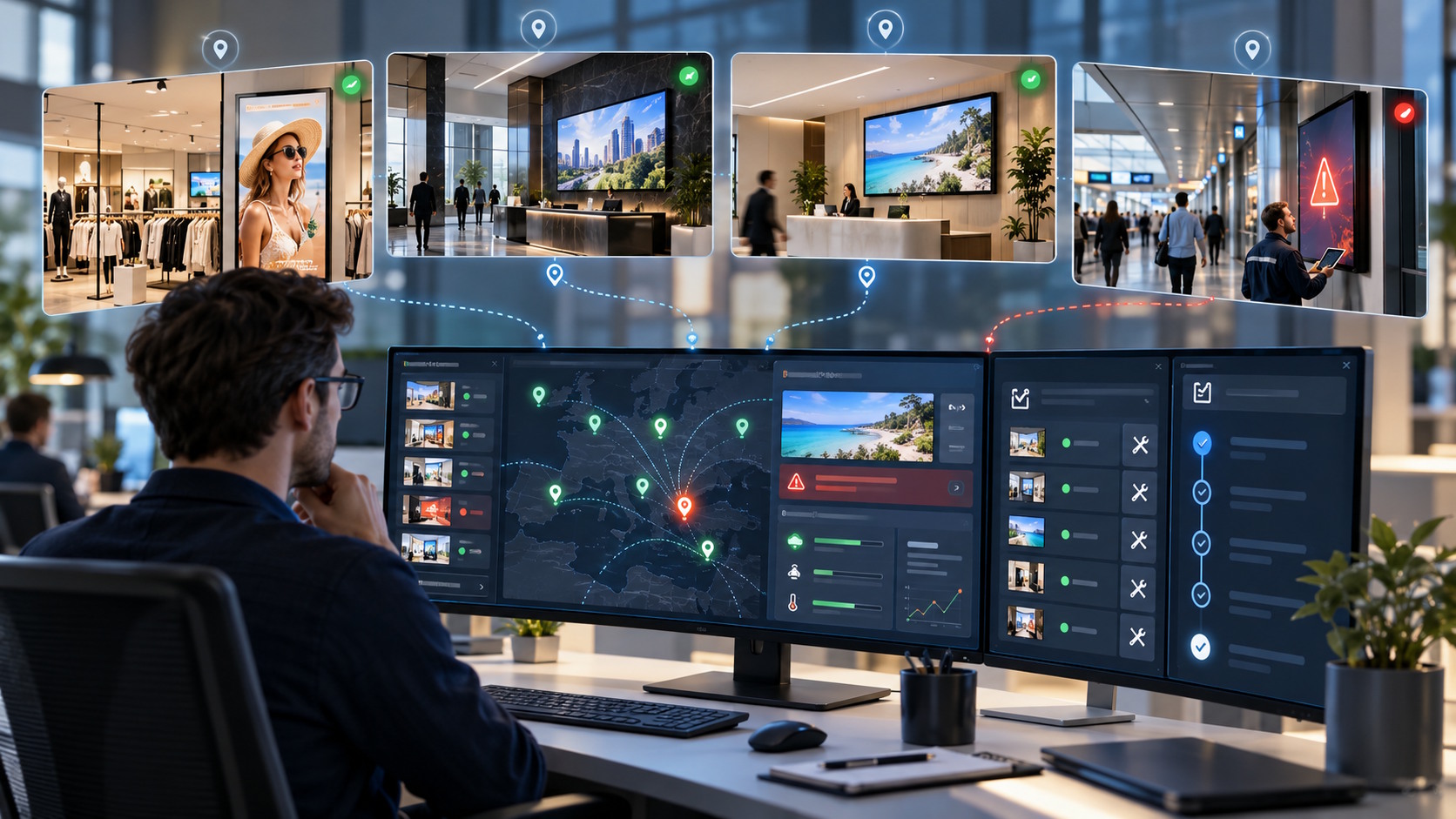
Installing the displays is not the end of a digital signage project. It marks the beginning of an operational phase in which equipment must be maintained, incidents handled and communication kept running. Across multiple locations, a seemingly minor failure can quickly involve several teams if responsibilities and procedures have not been defined.
An effective maintenance plan is not limited to repairing a screen. It covers asset tracking, remote diagnosis, local checks and content management when a device is unavailable. The following method helps organisations prepare these processes before an incident occurs.
Plan operations before going live
Decisions made during design directly affect future maintenance. Display locations, accessibility, available connections and operating conditions should all be documented. Selecting a fleet of professional displays suited to the brightness, orientation and operating schedule of each environment also creates a more consistent installation.
Technical acceptance should test every endpoint under real operating conditions: start-up, correct content, connectivity, readability and access to the equipment. This establishes a reliable baseline. It also prevents teams from treating an incomplete initial configuration as a new incident later on.
Build a usable asset inventory
A useful inventory enables teams to identify the affected equipment immediately without relying on a local manager’s memory. Each display and associated component should receive a stable identifier used consistently in monitoring tools, site plans and support requests.
- Record the site, exact area and purpose of the display within the visitor or customer journey.
- List the model, orientation, associated components and access requirements.
- Keep the commissioning date and a relevant intervention history.
- Attach a photograph of the installation to make discussions with support easier.
- Name the local contact authorised to perform first-level checks.
Set up three levels of support
Level 1: check remotely
The first level aims to qualify the problem before anyone travels to the site. Is the display powered? Does the issue affect one device, an entire location or a specific piece of content? Is the latest scheduled content correct? A request containing the display identifier, time of observation and a photograph reduces unnecessary exchanges.
Level 2: guide a local check
Some checks require someone to be present. They should remain simple, documented and compatible with the site’s safety rules. The local contact can confirm the visible condition of the equipment or follow an authorised procedure. They should not improvise a technical repair or alter cabling without appropriate instructions.
Level 3: request specialist intervention
When diagnosis confirms a hardware fault, an access difficulty or an issue that cannot be resolved remotely, the case should be escalated with all information already collected. The technician then knows which device is affected, where it is located and which checks have been completed. This traceability avoids restarting the diagnosis from scratch.
Use one incident workflow across all sites
A multi-site network needs a clearly identified point of entry. Without a shared process, issues arrive through calls, emails and informal messages and become difficult to track. A short procedure known by local managers is enough to create a structured response.
- Report the site, display identifier, time and a factual description of the incident.
- Determine the scope: one screen, one area, a whole site or a content campaign.
- Assign priority according to the display’s actual purpose and the operational consequences.
- Complete authorised checks and escalate the case to the right specialist when required.
- Confirm service restoration and record the solution for future incidents.
Plan for content continuity
Maintenance also applies to the communication being displayed. An expired campaign, unreadable media file or unsuitable schedule can look like a technical failure. Teams must therefore distinguish equipment status from the editorial validity of the content. A content strategy should include evergreen media that can take over when a temporary campaign ends or must be withdrawn.
Teams should also know who is authorised to correct content, suspend playback or publish urgent information. An accelerated approval path can be prepared for exceptional situations without removing normal checks. The aim is to react quickly while preventing a local correction from creating a new network-wide issue.
Assign responsibilities clearly
- The central owner maintains the inventory, coordinates service providers and tracks recurring incidents.
- The communications team approves content, schedules and replacement rules.
- The local contact reports issues and only carries out authorised checks.
- The IT team handles matters related to connectivity and internal technical policies.
- Specialist support manages diagnostics and interventions beyond the first level.
The principle should remain consistent across all locations, even when the named contacts differ. A simple matrix showing who reports, decides, intervenes and closes an incident removes grey areas. It should be accessible to the relevant teams and updated whenever the organisation changes.
Use software without neglecting procedures
Software supports network management, but it does not replace an inventory or a human operating model. SanDisplay, developed by ALLSAN, can create, schedule, distribute and remotely supervise content across a display fleet. These capabilities give operators a centralised view, while procedures explain what to do when an anomaly is detected.
Monitor a focused set of maintenance indicators
The objective is not to accumulate data, but to identify weak points and improve operations. A periodic review by site, device type or incident category helps teams identify recurring patterns and decide on preventive action.
- Number of incidents opened and closed during the period.
- Time between reporting, initial diagnosis and service restoration.
- Breakdown of content, connectivity, configuration and hardware issues.
- Recurring problems involving a site, area or installation type.
- Quality of the information supplied with support requests.
Keep the maintenance plan up to date
The plan should be tested after launch and revised in light of real incidents. A simple exercise can verify that a local manager can find a display identifier, contact the right team and provide the required information. Whenever the network expands, the inventory, contacts and procedures should be updated before the new displays go live.
Are you preparing to operate or reorganise a display network? Contact ALLSAN to discuss your multi-site system and the tools needed to manage it.