
Multi-site digital signage: how do you onboard a new location?
A practical method for connecting a new location to an existing screen network, covering content, permissions, testing and the handover to local teams.
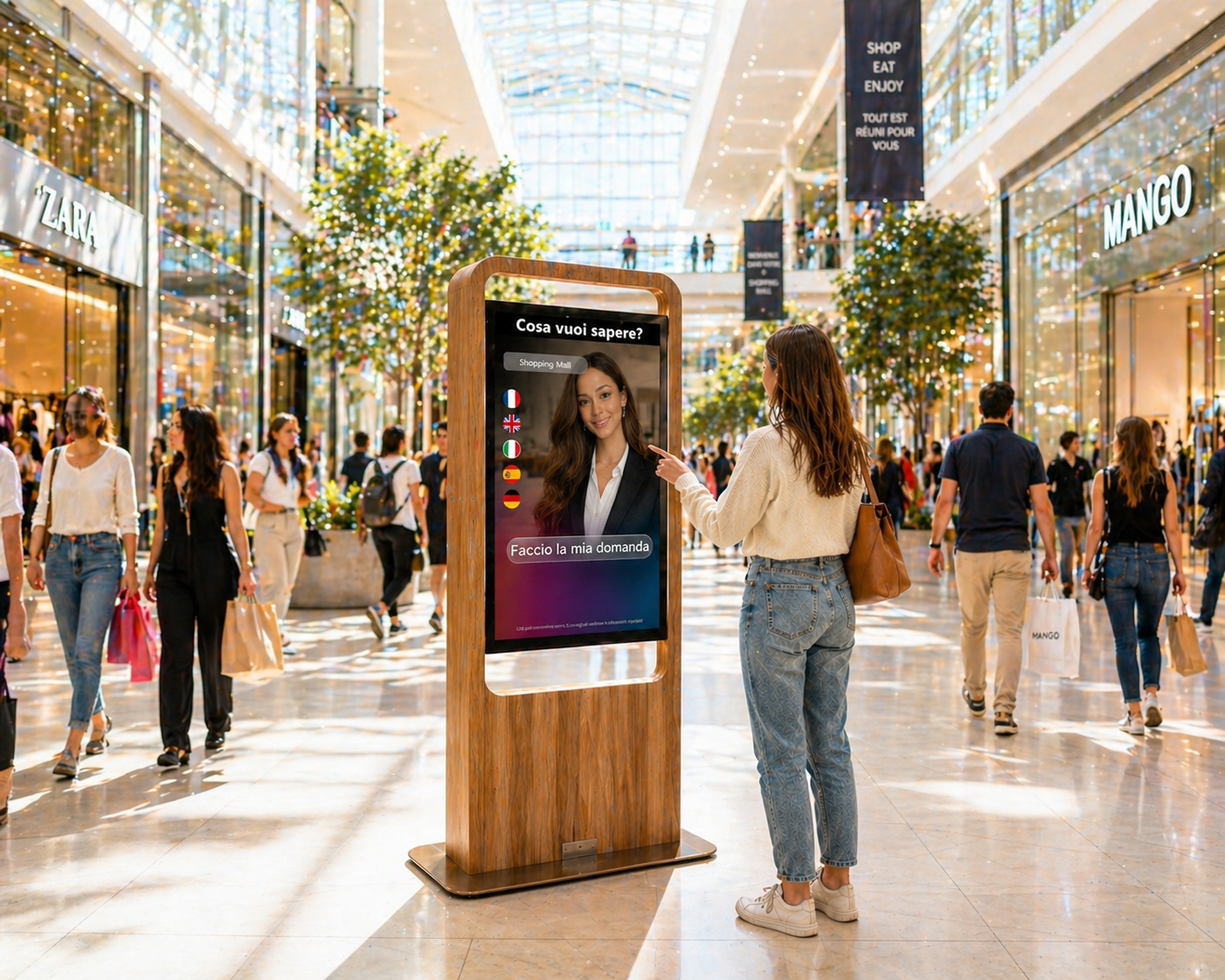
Adding a location to a digital signage network involves more than installing and connecting a screen. The location must become part of an existing organisation, including its editorial rules, users, technical constraints and opening schedule.
A repeatable method prevents teams from reinventing the project for every opening. It also separates the elements that should be standardised across the network from those that genuinely depend on local conditions.
Define the purpose of the new screen first
The first useful document is not an installation drawing but a use brief. It identifies the target audiences, expected messages, location, broadcasting hours and person responsible on site. A reception screen, an in-store department screen and an employee information screen serve different purposes.
This step helps teams select professional digital signage displays according to size, orientation, brightness, viewing distance, interactivity and operating schedule. More importantly, it prevents them from automatically copying another location whose conditions may be different.
Create one onboarding file for every location
Every opening should use a common onboarding file completed by the central team, local manager and technical stakeholders. It provides a shared reference before installation, during testing and when responsibility passes to the operating team.
- Location identity, contact details for key people and expected go-live date.
- Screen inventory, precise position, orientation and intended use.
- Availability of power, network access and the planned mounting systems.
- Broadcast groups to which the location belongs and any required local content.
- Authorised users, degree of local autonomy and support procedure.
Prepare the structure before connecting equipment
The new location needs a clear position in the structure: network, region, location, area and screen, for example. A stable naming convention simplifies scheduling, support and future searches. A name such as Location-Area-Use is more practical than a series of technical references understood only by the installer.
The location must then be assigned to the right broadcast groups. National campaigns may cover the entire network, while other information remains regional or local. SanDisplay digital signage software can create, schedule, distribute and remotely supervise content across a screen network. The group structure should still be approved before launch to reduce assignment errors.
Provide launch-ready content
A technically operational screen can still be useless if its content is not ready. The launch kit should contain an approved playlist, templates suited to the screen format, location-specific information and fallback content. The fallback prevents an empty display when a campaign is unavailable or a media item expires.
Preparation must also cover ongoing work. Who updates opening hours, services, events or internal information? How quickly, and through which approval process? A consistent approach to content creation gives the new location sustainable foundations rather than material prepared only for opening day.
Run technical and editorial acceptance tests
Technical acceptance verifies that every device is identified, connected and linked to the correct position. It also checks image orientation, readability, planned operating hours and delivery of the expected media. These checks should be completed on the physical screen, not only through the central interface.
Editorial acceptance follows. It confirms that the correct message appears on the correct screen, dates are accurate and local details are current. The location manager should participate because they understand visitor movement, visibility and reception constraints that a central team may not see.
Hand daily operations over to the local team
Commissioning is complete only when the location knows what to do each day. A short handover should cover authorised actions, basic checks, incident reporting and the correct support contact. If local users can change selected content, their scope must be explicit so that shared campaigns remain protected.
- Confirm that local contacts have the required access and instructions.
- Schedule a review after the first few days of operation.
- Correct any gaps and update the onboarding file for future locations.
Turn each opening into a reusable model
After launch, the project team should record differences between the planned scenario and reality: missing information, an unsuitable template, access created too late or unclear responsibilities. This feedback loop turns each opening into a practical improvement to the multi-site process.
Are you preparing to connect new locations to your screen network? Discuss your organisation and use cases with ALLSAN to structure a deployment suited to your network.