
How do you prepare answers for an AI reception avatar?
A practical method for selecting, structuring, validating and updating the information used by an AI avatar that welcomes and guides visitors.
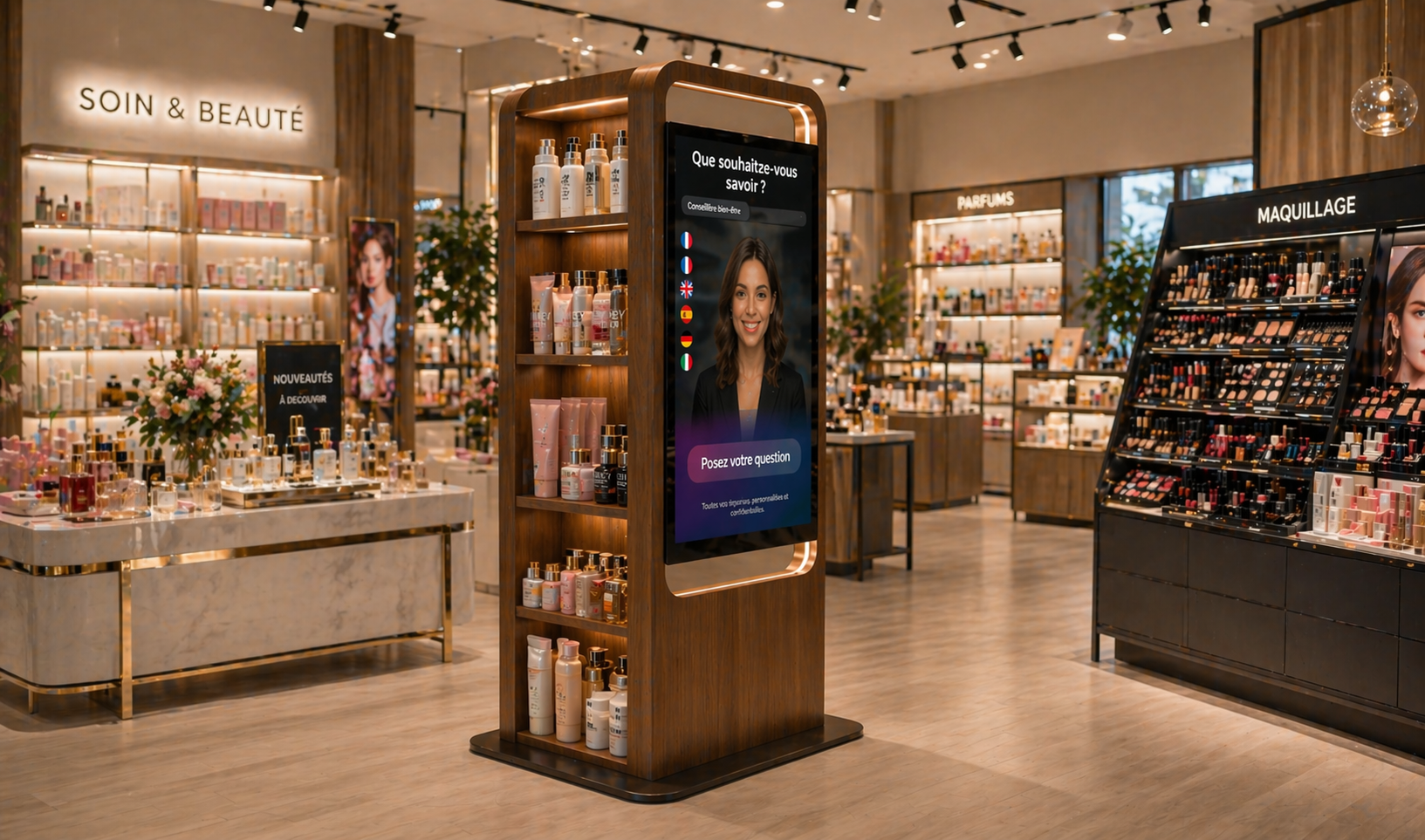
An AI reception avatar is only useful when it has reliable, understandable information suited to visitors’ questions. The project is therefore not limited to installing a screen. The organisation must structure the knowledge needed to introduce the venue, explain its services and guide each visitor to the right area or contact.
This preparation involves reception teams, departmental managers, communications staff and, in some cases, operators responsible for several sites. The following method helps create a useful answer base without attempting to document everything from day one.
Start with questions that visitors actually ask
The most effective starting point is the reception desk itself. For several days, teams can record recurring requests: finding a department, opening hours, access conditions, required documents, locating a product, identifying the right contact or understanding what to do in a particular situation. This produces a list based on observed needs rather than assumptions.
The requests should then be grouped by intent. Different wording can conceal the same need. “Where is customer service?”, “How do I get to customer service?” and “Which floor is customer service on?” all require the same core information. This exercise also identifies subjects that should remain in human hands.
Define a priority scope for the answers
A first release should focus on situations that occur frequently and are straightforward to document. The aim is not to replace every reception function, but to provide a first level of information in the right place. The avatar can handle practical questions while staff manage requests that require assessment, a decision or personal assistance.
- Introduce the venue, its activities and its main services.
- Provide opening hours and general access conditions.
- Guide visitors to an area, department, product or appropriate contact.
- Explain the first steps in a common process.
- State clearly when a visitor should speak to a member of staff.
SANIA is designed to welcome, inform and guide visitors using the business content, documents and information selected by the organisation. The dedicated AI avatar SANIA page explains this principle and its core uses in venues that receive visitors.
Turn internal documents into usable answers
Having the information does not mean it can immediately answer a visitor. A lengthy policy, organisational chart or technical plan rarely provides a direct conversational response. Each source should be reviewed, simplified and converted into short information units: the main answer, any relevant conditions and the next step or direction.
For each topic, a record can identify the question covered, approved answer, relevant site, verification date, content owner and escalation route. This structure prevents a group-wide rule from being confused with local information, or a permanent instruction with a temporary announcement.
Write for a conversation in a public space
A spoken answer should get to the point. It should begin with the requested information and add only the details needed to act on it. Internal acronyms, administrative wording and lengthy introductions should be avoided. Directions should use visible, understandable landmarks such as the main reception desk, lifts, waiting area or the displayed name of a department.
The answer must also recognise its boundaries. When a request depends on a personal file, a departmental decision or a sensitive situation, the content should direct the visitor to a qualified person rather than offer a general answer that could be misinterpreted.
Assign an owner to every information category
Initial accuracy is not enough because opening hours, teams, access arrangements and services can change. A simple governance model assigns every information category to a named owner. Reception can monitor practical questions, departmental managers can approve their own scope, and communications staff can maintain a consistent tone. Across a network, a central team may manage shared content while each site controls local details.
This approach reflects the wider requirements of corporate digital signage. Informing employees and visitors requires managed content, clear responsibilities and communication suited to reception areas.
Test answers under real operating conditions
Before a wider launch, an on-site test can check wording, variations in visitors’ questions and the usefulness of each direction. People who are unfamiliar with the venue should take part, because internal teams often use names, shortcuts and landmarks that mean little to the public.
- Prepare a set of frequent questions expressed in several different ways.
- Check that each answer provides the essential information immediately.
- Physically follow every route described from the reception screen.
- Test incomplete, ambiguous and out-of-scope requests.
- Ask the owner of each item of information to approve corrections.
The position of the device also matters. The screen needs to be visible, consistent with visitor flow and suited to the expected usage pattern. The selection of professional displays depends in particular on size, orientation, brightness, viewing distance and the need for interaction.
Use operational feedback for continuous improvement
After launch, reception teams remain a crucial source of improvement. They can flag a new question, an unclear answer or directions that are no longer accurate. A regular review then makes it possible to correct priority information, add useful topics and remove content that no longer reflects how the venue operates.
A few simple indicators can guide this work: frequently requested topics, questions without a satisfactory answer, corrected information, approval times and staff feedback. These indicators do more than monitor the device. They also reveal information that visitors struggle to find in the existing environment.
The best knowledge base is one the organisation can maintain
A reception avatar project depends less on accumulating documents than on careful selection, writing and approval. Starting with frequent questions, identifying owners and organising updates creates a service aligned with the venue’s actual operation.
Would you like to define the right information and device for your venue? Contact ALLSAN to discuss a SANIA reception project.