
How to schedule and monitor digital signage content
A practical method for planning content, assigning it to the right screens, checking delivery and keeping a display network consistent over time.
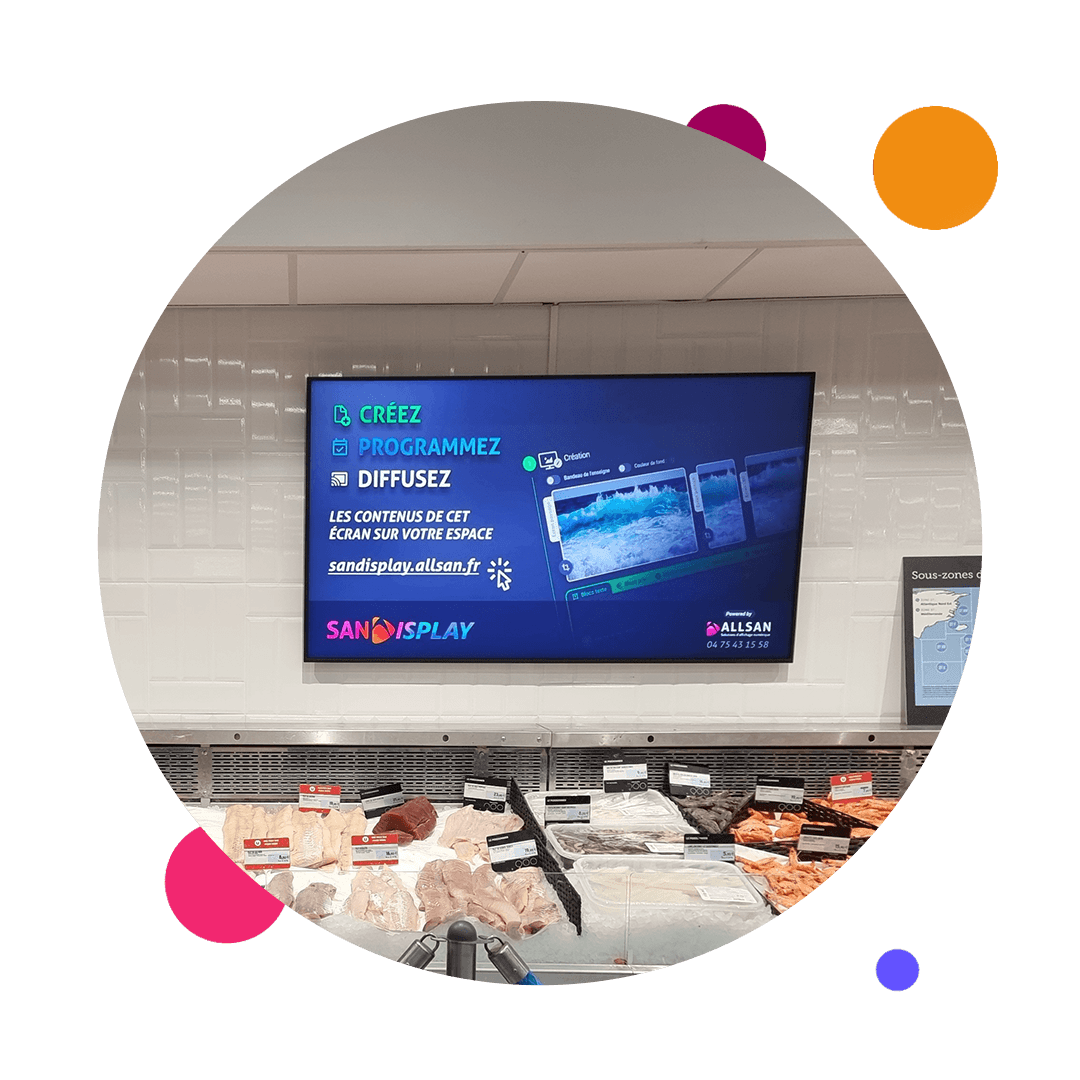
Scheduling digital signage involves more than placing images and videos in a playlist. To remain useful, each piece of content needs to be associated with a location, an audience, a time slot and a validity period.
The task becomes more complex when screens are spread across several areas, buildings or sites. A clear operating method, supported by dedicated software, helps prevent expired messages, inconsistent schedules and repeated manual work on individual displays.
Effective scheduling starts with the purpose of each screen
Before building a content schedule, define the role of every screen. A display at an entrance may welcome and guide visitors, while a screen beside a product, in a waiting area or in an employee space has a different purpose.
This distinction prevents organisations from showing the same message everywhere. A professional digital signage network becomes relevant when its content reflects the context in which people will see it.
Four points should be documented for each location:
- the audience: customers, visitors, employees or a specific group;
- the objective: to inform, guide, promote, explain or entertain;
- the timing: the relevant day, time, season or event;
- the owner: the person or team responsible for supplying and approving the message.
Build a content schedule in six steps
1. List the screens and available content
The inventory should connect every screen with its location and function. At the same time, available content can be classified into permanent communications, temporary campaigns, local information, internal messages and media linked to a particular event.
This preparation highlights any gaps. It also separates content that is ready to publish from media that needs adapting or producing. Legibility, format and duration should reflect the viewing distance and the amount of time the audience is likely to spend near the screen.
2. Set editorial priorities
An overloaded playlist weakens important messages. A clearer approach is to establish a hierarchy between priority communications, supporting content and recurring information. This also makes decisions easier when an urgent campaign needs to replace a less important item temporarily.
3. Give content a validity period
Every temporary item should have a start date and an end date. Permanent communications can provide a baseline so that the schedule never becomes empty. Programming may also follow different parts of the day if audiences or messages change between opening, busy periods and closing.
4. Assign content to the right screens
Distribution can be organised by individual screen, area of use or group of sites. The aim is not to create unnecessary variations, but to choose the right level of localisation. A corporate message may be shared across the network, whereas practical information may need to remain local.
5. Organise approval
Before publication, check the wording, dates, media quality, format and intended destination. A simple workflow should identify who prepares, who approves and who publishes. Even in a small organisation, this division reduces errors and clarifies responsibility.
6. Check the result in the physical space
Publishing through software does not entirely replace visual inspection. Teams should periodically confirm that content remains legible under real conditions and that the sequence suits the audience's viewing time. Content creation for digital signage should therefore be considered alongside scheduling rather than as a separate activity.
Make monitoring an operating routine
Day-to-day operation benefits from a defined rhythm. Before a campaign, teams check content, assignments and dates. During delivery, they monitor the screen network and the relevance of the messages. After the campaign, expired media is removed or archived and the next cycle is prepared.
On-site checks are useful as well. A screen being switched on does not by itself guarantee effective communication. Its orientation, ambient light, a physical obstruction or changes to the surrounding layout may affect visibility. Choosing professional displays suited to the project and managing their content should therefore be treated as parts of the same system.
What role does SanDisplay play?
SanDisplay is the software developed in-house by ALLSAN to create, schedule, distribute and remotely supervise content across a screen network. It centralises the main operations required to run digital communications without manually updating each display.
Software does not replace an editorial strategy; it makes that strategy operational. Once audiences, calendars and responsibilities have been defined, SanDisplay digital signage software can turn those rules into a practical schedule. Centralised management is relevant both to a single venue with several displays and to an organisation operating across different locations.
Which operational indicators should be tracked?
There is no need to begin with a complex measurement framework. A few management indicators can already reveal areas for improvement:
- the number of content items without an end date;
- campaigns that need updating for the next period;
- the time required to approve and publish a message;
- screens or areas due for inspection;
- the balance between shared and local content;
- errors identified during on-site checks.
These indicators do not measure the commercial or informational impact of content on their own. They do show whether the operating process is under control. A well-managed network begins with simple rules that are documented and applied consistently.
Frequently asked questions
How often should playlists be updated?
The appropriate frequency depends on the venue and the type of information. The main requirement is a regular review and an expiry date for every temporary message.
Does every screen need a different schedule?
No. Content can be shared when audiences and objectives are similar. Localisation is useful only when the local context genuinely changes the message.
Can the software be used with existing screens?
According to the information provided by ALLSAN, the solution can be adapted to existing screens through an external player. The configuration should be assessed against the installed display network.
Would you like to structure the scheduling and supervision of your screens? Discuss your project with ALLSAN.