
Where should in-store screens be placed to make them useful?
Shop window, entrance, aisle, service area or checkout: each location serves a different purpose. Use this method to create a useful, manageable screen journey.
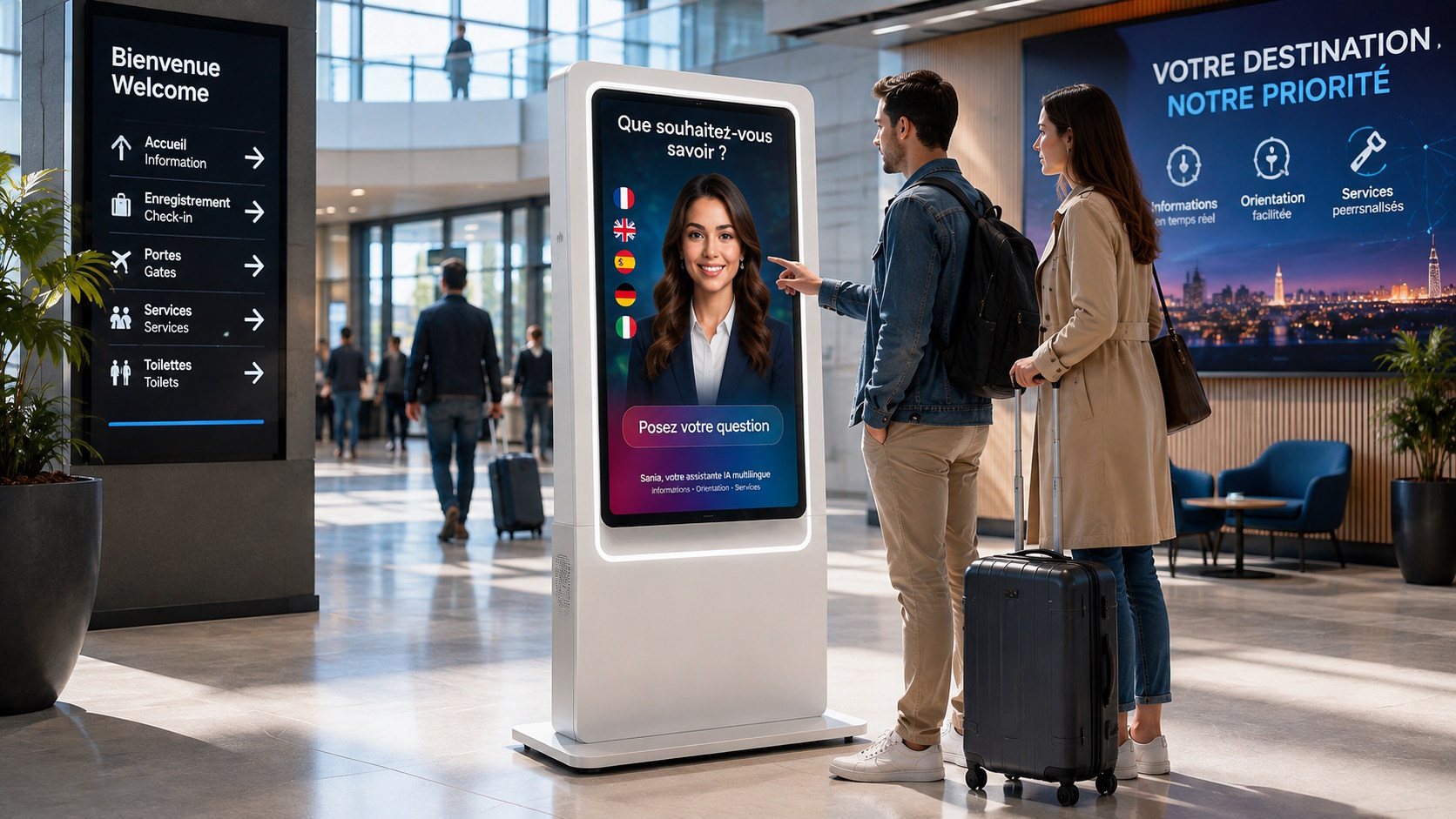
Installing a screen wherever a wall happens to be available is not enough. Its location determines who will see it, for how long and in what context. A message that works well at the entrance may become unreadable in a busy aisle or irrelevant near the checkout.
To design a coherent digital signage system for supermarkets and specialty retailers, start with the actual customer journey and assign a specific function to each area. This prevents screens from accumulating without a clear role and makes content production and day-to-day operation easier.
Start with the objective, not the hardware
Before choosing a display size or mounting solution, describe the purpose of each screen in one sentence. Is it meant to attract people from outside, present a promotion on arrival, help visitors find a department, highlight an offer at the point of choice or make waiting time useful? If several purposes are mixed together, the area probably needs a clearer hierarchy.
This step also helps define a simple operational indicator: visibility from a chosen viewpoint, understanding of the message, movement towards a department or alignment with the retail calendar. The aim is not to attribute every sale artificially to a screen, but to check whether the system performs its intended function.
What role should each store area play?
Shop windows and exterior approaches: provide a reason to enter
Outside or in a shop window, the audience is often moving. Content therefore needs to be instantly recognisable, with limited information and a clear visual proposition. The location should be assessed from the directions people approach, not only from inside the store. Reflections, brightness, viewing distance and obstacles can significantly change perception.
The entrance: explain what is happening now
At the entrance, a screen can announce current highlights, services or practical information. This area is suitable for an overview, but not for a long sequence of details: visitors have just entered a new environment and are usually still walking. The display must not interfere with reception, circulation or permanent wayfinding signs.
The aisle: communicate close to the decision
In an aisle, content should be directly connected to the surrounding product category. It can present a product, an application, useful advice or an offer relevant to that area. Proximity alone does not guarantee attention: the display must remain visible when the aisle is busy and must not be hidden by fixtures, products or temporary promotional units.
Service and waiting areas: provide more detailed information
A counter, collection point or waiting area creates a different context. Visitors may be available for more explanatory content, such as how a service works, practical advice, the retailer’s commitments or answers to recurring questions. However, the length of the content loop still needs to reflect the time people actually spend there.
Checkout areas: communicate without disrupting departure
Near the checkout, the audience is relatively captive, but attention is divided between scanning, payment and preparing to leave. Short messages, service information and content that is easy to understand are therefore preferable. Store communications should also be clearly distinguished from any advertising activity organised along this part of the journey.
Audit the location before approving installation
A visit during a quiet period does not always reveal everyday conditions. Observe the areas at different times, including busy periods, temporary queues, shelf replenishment, campaign installation and furniture changes. Photographing sight lines and simulating the proposed screen format gives teams a practical basis for discussion.
- Check the distance and angle from which the message will actually be viewed.
- Identify direct light, reflections and changes in brightness throughout the day.
- Make sure the screen does not restrict movement or compete with essential signage.
- Plan for power, connectivity, mounting and the access required for maintenance.
- Allow for seasonal changes to furniture, decorations and merchandising.
The choice of professional displays should then reflect orientation, brightness, viewing distance, operating schedule and, where required, interactivity. ALLSAN selects and integrates different types of equipment according to each project environment.
Design a journey, not a collection of screens
Two consecutive screens do not necessarily need to show identical content. A campaign can unfold in stages: an attention-grabbing message in the window, a general announcement at the entrance, supporting information or advice in the aisle and a service reminder on departure. This continuity improves understanding without creating mechanical repetition.
Across a retail network, define a shared foundation and specify which adaptations are permitted for each location or store. Central teams can protect brand consistency while stores use content suited to local activity where the operating model allows it. The number of variations must remain manageable.
Plan operations as part of the location strategy
A strong location quickly loses value if nobody knows what to show there. For each display, document its name, area, objective, format, orientation, audience and editorial owner. Also define how frequently content should be updated and what should happen when a campaign expires.
SanDisplay enables teams to create, schedule, distribute and supervise content remotely across a screen network. This centralised management helps match communications to the right screens, provided that the network structure clearly reflects individual stores and usage areas.
Three questions before selecting a location
- What should visitors understand or do after seeing this screen?
- Will the message remain visible and understandable under real traffic and lighting conditions?
- Can the team supply, schedule and maintain this display point over time?
If any answer remains unclear, reconsider the location or its purpose before installation. A useful screen sits at the intersection of an editorial objective, a moment in the customer journey and realistic technical conditions.
Planning a new installation or reorganising an existing screen network? Contact ALLSAN to review the areas, displays and future operating model.